
How to undo a 3Shape Account transfer
07/11/2023The undo transfer option is only available up to 14 days following the transfer from the Acquiring Company and must be done by an Administrator. Any cases, connections, etc. done during this time will be transferred back to the original company.
If an undo is required after the 14 days, you will need to contact 3Shape Support.
Step 1: From the main/acquiring company go to the 3shape Account Portal. Go to My companies and select your Primary company.

Step 2: In the company info tab, go to the option transfer history and click Edit.

Step 3: Press the 3 dots menu, a drop-down menu will appear, and select UNDO TRANSFER.

Step 4: A new window will appear with 2 options
- Undo the transfer and restore back the original company
- Keep the transfer and continue working in the acquiring company.
Select Undo transfer and work independently and click Continue.

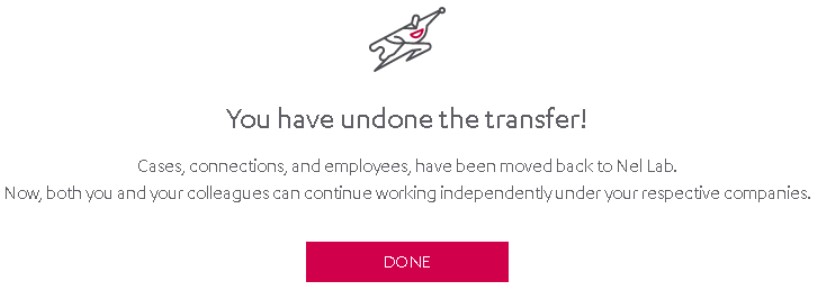
Step 5: After confirming the undo, a window will appear indicating that the acquired/transferred company was restored back to the original.
Contact 3Shape Support if you have any further questions.